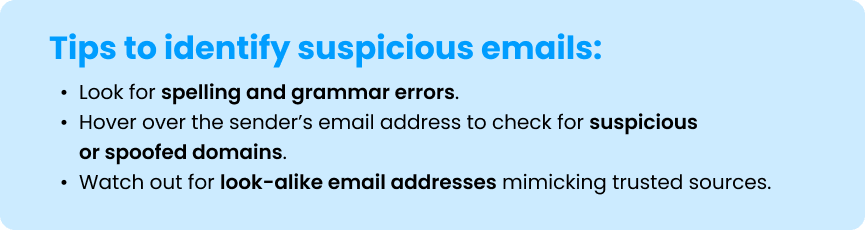
How to spot a phishing email
Email remains the most common method of phishing. These emails may contain:
- Malicious attachments that install harmful software on your device
- Deceptive links that lead to websites designed to steal your login credentials
Visiting a malicious site or opening an attachment can result in software being silently installed, potentially turning your device into a launchpad for further attacks.
Phishing emails often use urgent or alarming language to trick recipients into acting quickly:
- “Your account will be shut down unless you update your password immediately!“
- “Your computer is infected! Install this software now to protect your data!“
Beware of harmful pop-up windows
Pop-up windows may also be used to capture personal information. These can be triggered by software bundled in free downloads like screensavers or music-sharing apps.
To stay safe:
- Avoid downloading programs from unknown or untrusted sources.
- Use reputable antivirus software and keep it updated.
- Be cautious of pop-ups or ads that warn you of viruses or suspicious activity –scammers often use these to gain remote access to your device.
What to do if you receive a phishing email
If you encounter a suspicious email:
- Do not open, click, or respond to messages from unknown senders.
- Avoid clicking on links or opening attachments from unverified sources.
- Install and maintain trusted antivirus software on your devices.
- Keep your operating system and apps up to date to stay protected.
Important reminder
If you receive a fraudulent email claiming to be from Customers Bank, it does not mean your personal data has been compromised.
Please remember, Customers Bank will never email you to request your personal or account information, including:
- Online credentials
- PIN
- Secure access code
- Any other confidential identifying details
- Do not rely solely on emails for any payment-related tasks. If you receive payment instructions via email, please call the person directly using the phone number on record to verify the instructions.
- Visit the Internet Crime Complaint Center’s website for the latest advisories on internet-related crimes:
Home Page – Internet Crime Complaint Center (IC3).
To learn more about Customers Bank’s security and fraud measures, visit our security center.
This information is governed by our Terms of Use.